
Estimating Material Costs
As a painter, accurately estimating the amount of material needed for multi-coat applications can be challenging.
Mobile invoicing for Construction
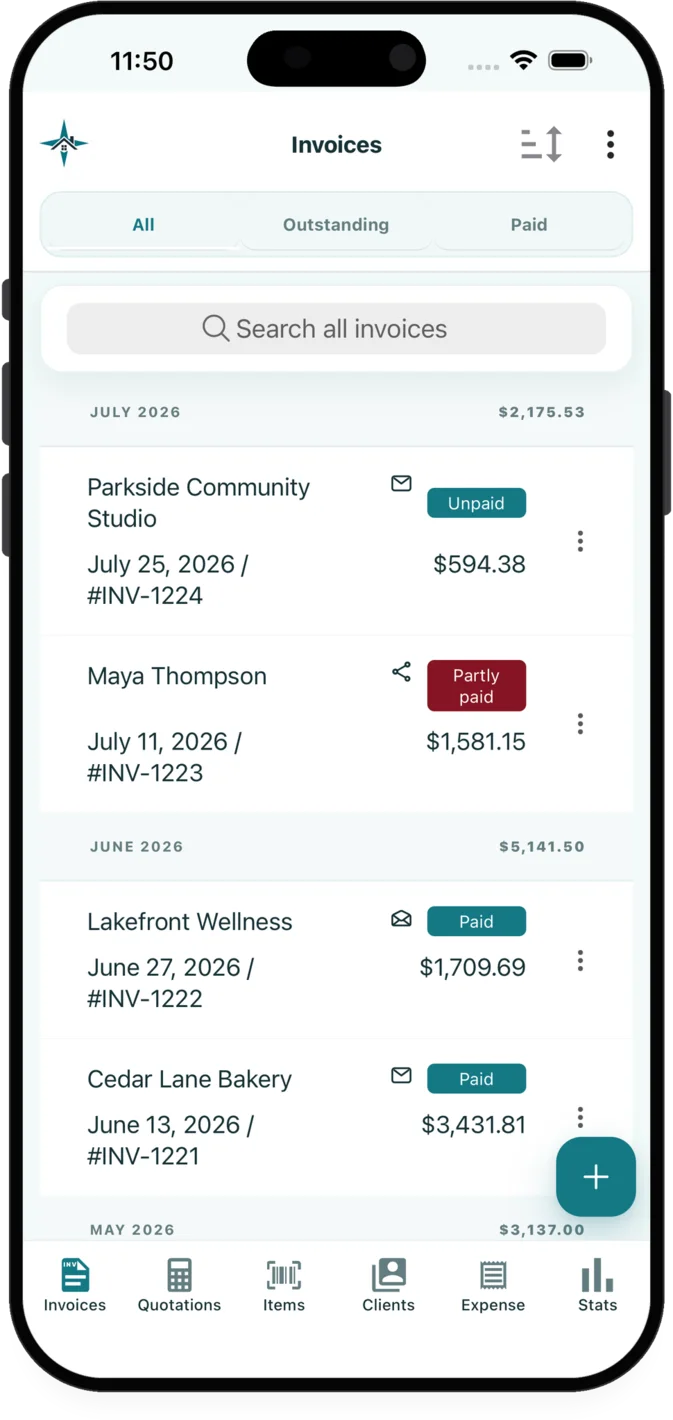
InvoiceXpress gives painters access to quotes and invoices from the app, expenses and receipt capture, reusable customers, items and inventory from an app for iOS and Android.
The administrative work
Painters often need to account for multi-coat material costs and surface prep time. InvoiceXpress connects the customer, quote, invoice, payment and supporting records used for that work in an app for iOS and Android.
As a painter, accurately estimating the amount of material needed for multi-coat applications can be challenging.
Surface preparation is crucial before applying paint but it's often difficult to account for in your initial quote.
Managing invoices can be繁琐且容易出错,特别是在处理多个项目和客户时。使用InvoiceXpress可以轻松创建、编辑和跟踪发票,并通过电子邮件或短信发送给客户。
Relevant features
These capabilities are selected for the workflow described on this page.
Create, edit, preview and send quotations and invoices on iOS or Android. Convert an accepted quotation into an invoice without re-entering its customer or line items.
Record business expenses, attach receipt images or PDFs, and use receipt extraction for merchant, amount, date and suggested category details.
Reuse customer, product and service details with units, prices, taxes and discounts, with optional inventory tracking for saved products.
Industry example
Surface preparation often changes the cost of a painting job more than the final colour. A structured quote tells the customer which rooms or surfaces are included and how preparation differs from application.
| Example line item | Possible unit | What the description can clarify |
|---|---|---|
| Surface preparation | hour | Patching, sanding, masking and protection |
| Paint application | sq ft | Area and planned number of coats |
| Paint and consumables | allowance | Coatings and job-specific supplies |
Examples are starting points only. Businesses should review descriptions, prices, taxes and terms for each customer and jurisdiction.
Read the estimate guideA practical sequence
Select or add the customer, reuse saved services or materials, enter the scope and pricing, then review the quotation preview.
Email the quotation or invoice with relevant attachments, or share its customer page through the device share sheet.
Use the selected reusable customers, items and inventory tools alongside document activity, payment and balance records.
Explore related workflows
FAQ
Painters can create, preview and send quotations or invoices in InvoiceXpress on iOS or Android. An accepted quotation can also be converted into an invoice without re-entering its customer and line items.
A quotation can include customer details, scope notes, reusable services or materials, quantities, units, taxes, discounts, photos and payment terms. Review the finished document before sending it.
Yes. Add receipt images or PDFs to expenses and use receipt extraction to suggest the merchant, amount, date and category before reviewing and saving the record.
Available on iOS and Android
Create customer documents, record payments and expenses, and review business activity from iOS or Android.